|
+Intro to Maya NURBS Modelign for Industrial
Designers
Course Duration: 40 hours
Tuition: $1800 US
Overview: Industrial desiners have specific
needs with respect to product design. This Introduction to 3D modeling
utilizing Maya is for import into engineering tools such as Solidworks
or Pro/ENGINEER Wildfrie. Learn basics of modeling and shading from a
product designers perspective.
Prerequisite: No prerq required.
Topics:
- Establish a strong foundation in Maya to build on as you learn.
- Learn the Maya interface: Modeling, and Rendering
- Create primitives in NURBS, Polygons, Surfaces and Subdivides.
- Model out of spheres, cubes, cylinders, cones, planes, circles and
squares.
- Learn how to manipulate vertices, faces, edges, UV's.
- Learn with hands on examples the basics of Polygon and Subdivision
Surface modeling using poly proxy mode.
- Model using all modeling tools such as: sculpt, extrude, duplicate
etc.
- Learn how to model using lattices and other deformers.
- Learn how to convert NURBS to Polygons and Subdivides and vice versa
- Learn parenting by using the Hypergraph.
- Learn how to create shadows and reflections to create the right kind
of atmosphere for the scene.
- Learn object shading and texturing.
- Learn how to use the Hypershade and how to create shading networks.
- Learn how to prepare a scene before rendering; learn how to adjust
the anti aliasing, resolution, format and shadows.

(Developed by a student in maya training - Jason Feiler)
Discussions:
- Discuss proving form and review techniques for ideation.
- Discuss strengths and weaknesses, comparing polygonal and boundry
modeling in MAYA to other high end industry standard surfacing software.
- Discuss standard modeling techniques with respect to industry standards.
- Discuss various editors and the layout of Maya.
- Utilize the rendering techniques maya has to offer.
- Discuss optimizing quality with respect to render times and discuss
troubleshooting common rendering problems.
- Understand how to add motion blur to scenes with objects that are
in motion.
- Learn how to create a camera and learn how to use it in rendering
out your scene.

(Developed by a student in maya tlass - Jason Feiler)
Tutorials:
- soft goods product
- polypropylene bottle
- glass bottle
- starfish
- speaker
- children's riding toy
- toy vehicle

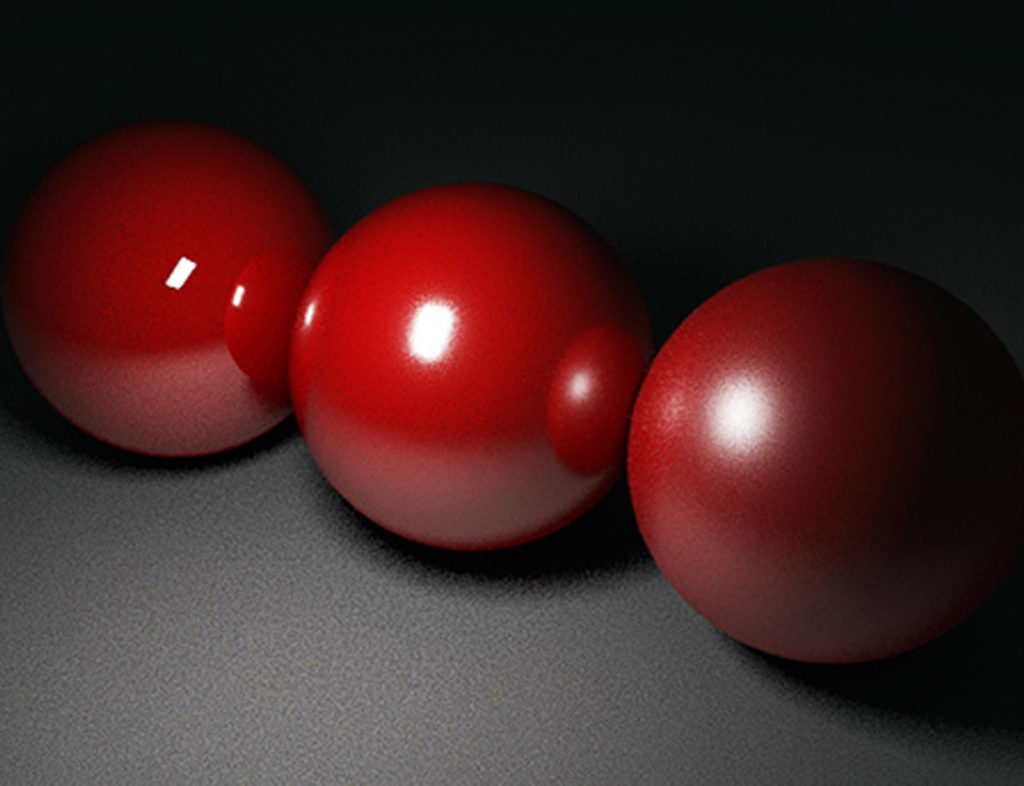
image created using MAYA

image created using MAYA
Not covered: This class has been designed
for product designers looking to learn MAYA in a short time. We do not
discuss in this workshop how to animate objects and how to keyframe for
animation. Nor the use dynamics and to create fog, clouds with lighting,
fire and fireworks and many other awesome special effects. Nor the use
of Maya's MEL programming language to build simple functions and custom
user interface controls. This class does not go into great depth in the
discussion of the hypershade and texturing unless there is consensus within
the class either.
**renderings courtesy of Claudio Monterrubio from Mexico.
|